Learn 3D: free tutorials from beginner to advanced
12 short lessons, in order from the easiest to the hardest. Each one walks you through a real, free tool on The3DAI, step by step, with the buttons you will see on the page. Start at lesson 1 or jump to what you need.
Beginner
No 3D experience needed. Open, convert and create your first models in the browser.
 Lesson 1 of 12 · BeginnerHow to open an STL file online, free and without softwareView any STL in your browser: rotate it, measure it and check it is ready to print.
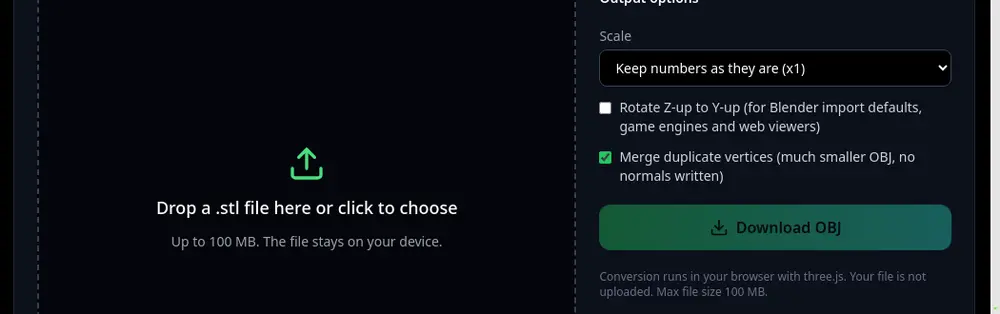 Lesson 2 of 12 · BeginnerHow to convert STL to OBJ for freeTurn a 3D printing file into an OBJ for Blender, games or texturing.
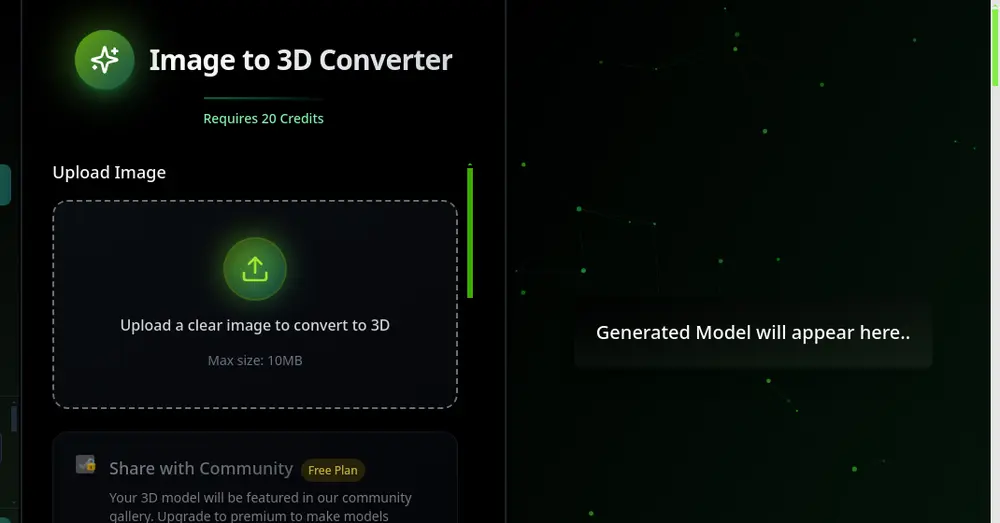 Lesson 3 of 12 · BeginnerHow to turn a photo into a 3D model with AIUpload one photo, get a textured 3D model you can download as GLB or STL.
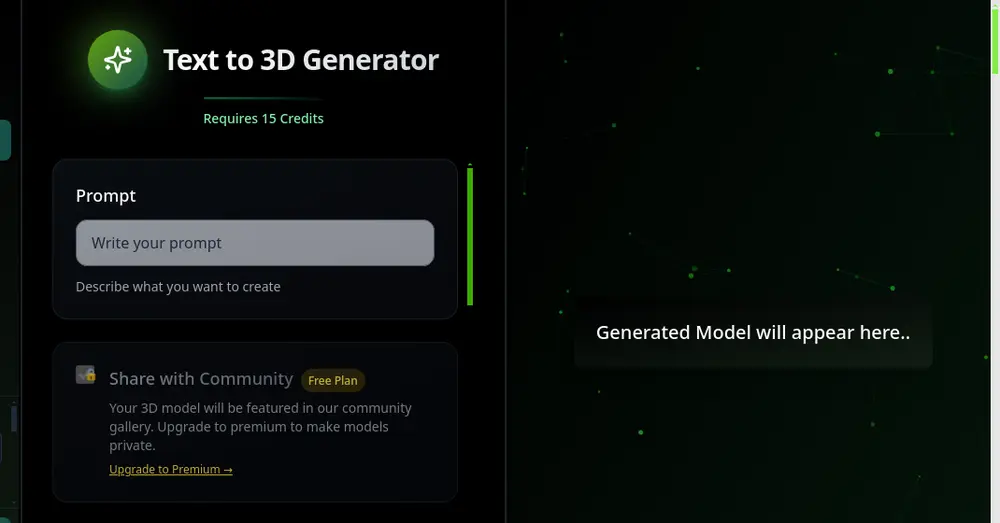 Lesson 4 of 12 · BeginnerHow to make a 3D model from text with AIDescribe an object in one sentence and download it as a 3D model.
Intermediate
Prepare real files for 3D printing: make them smaller, the right size and personal.
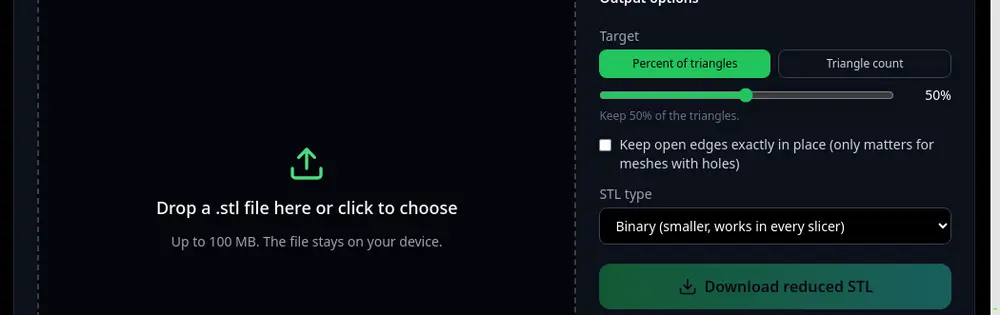 Lesson 5 of 12 · IntermediateHow to reduce STL file size without losing detailShrink a heavy scan or AI model so it uploads, slices and shares easily.
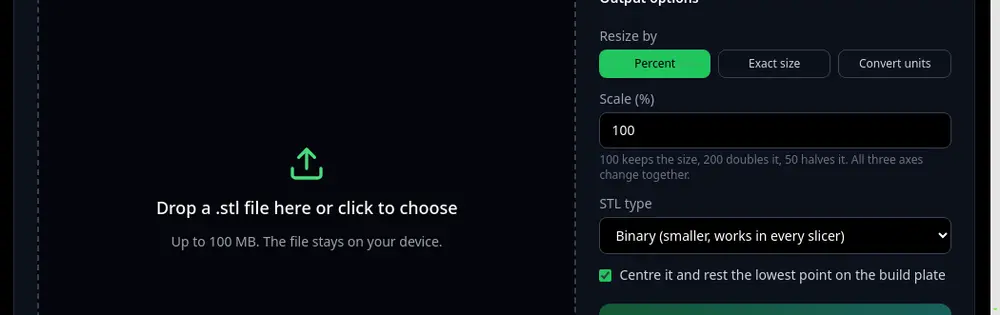 Lesson 6 of 12 · IntermediateHow to scale an STL file to an exact sizeResize by percent, set an exact height in mm, or fix a model drawn in inches.
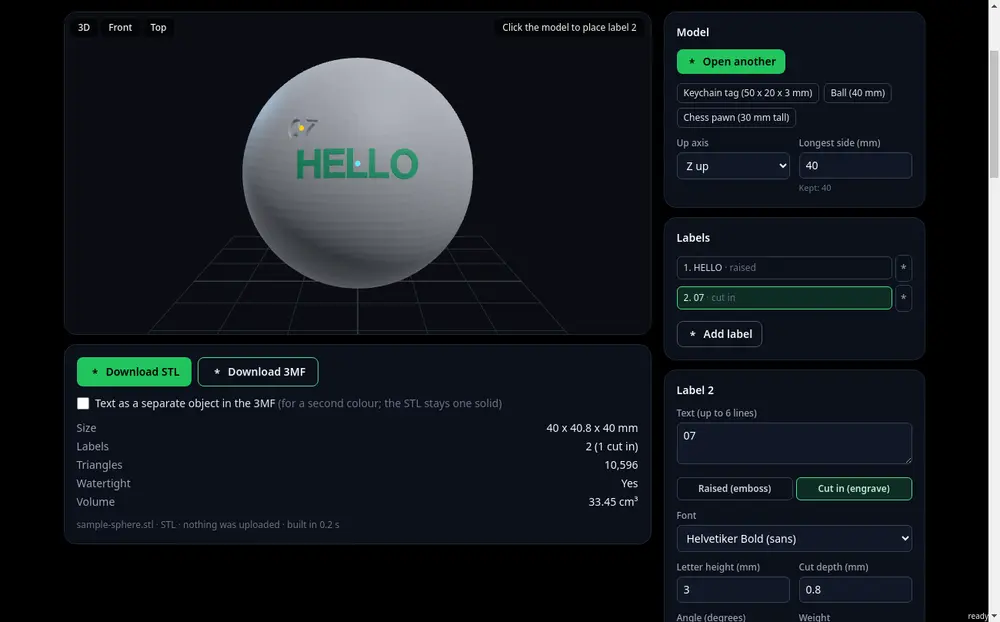 Lesson 7 of 12 · IntermediateHow to add text to an STL: emboss or engrave a namePut a name, date or label on any model and print it as one solid.
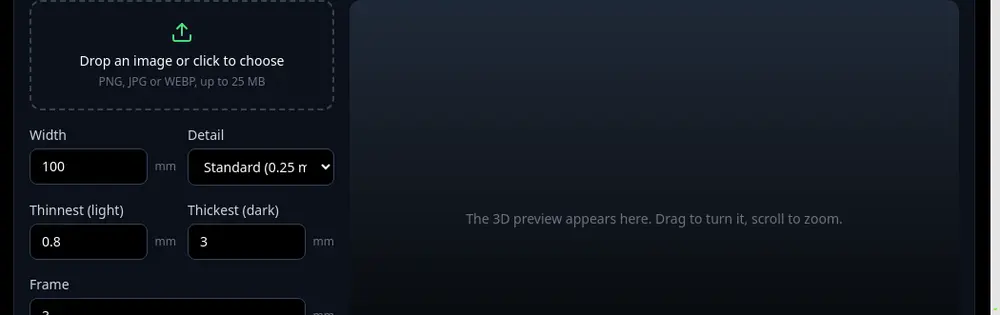 Lesson 8 of 12 · IntermediateHow to make a lithophane from a photoTurn a photo into a printable STL that shows the picture when light shines through.
Advanced
Optimise models for printing, games and texturing like a 3D artist.
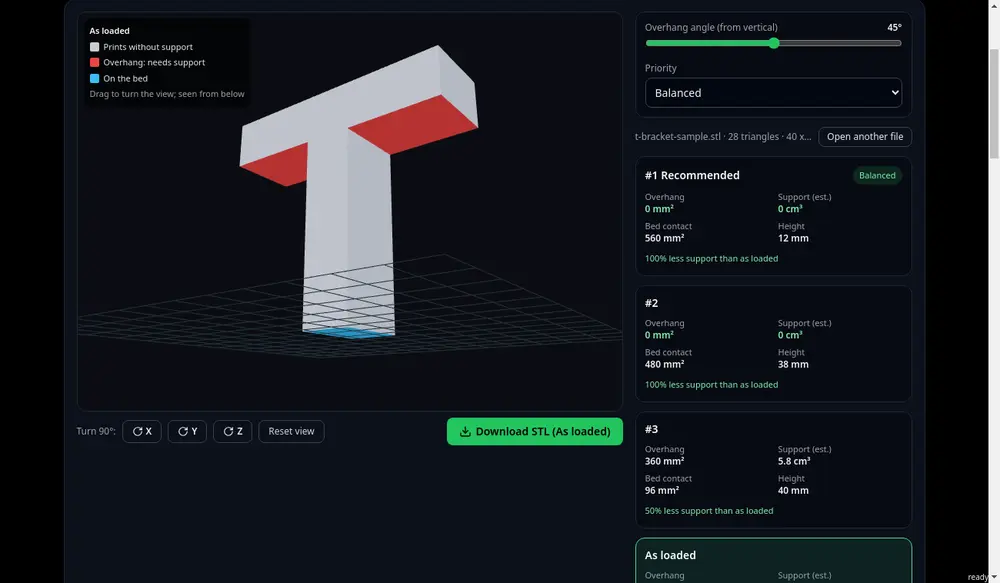 Lesson 9 of 12 · AdvancedHow to choose the best 3D print orientationFind the rotation with the fewest supports, best adhesion or shortest print.
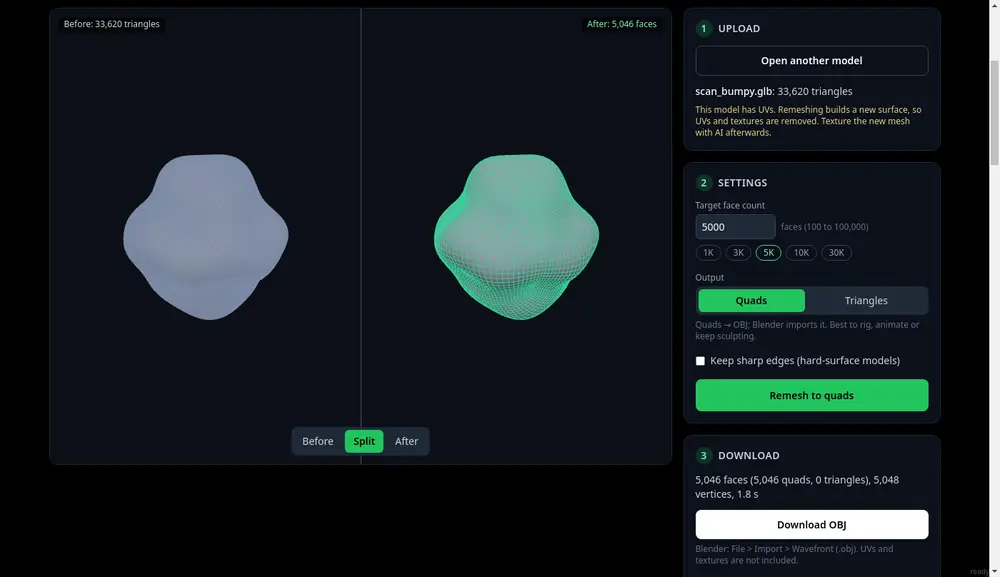 Lesson 10 of 12 · AdvancedHow to retopologize a 3D model automaticallyTurn a messy scan or AI mesh into clean quads for animation and games.
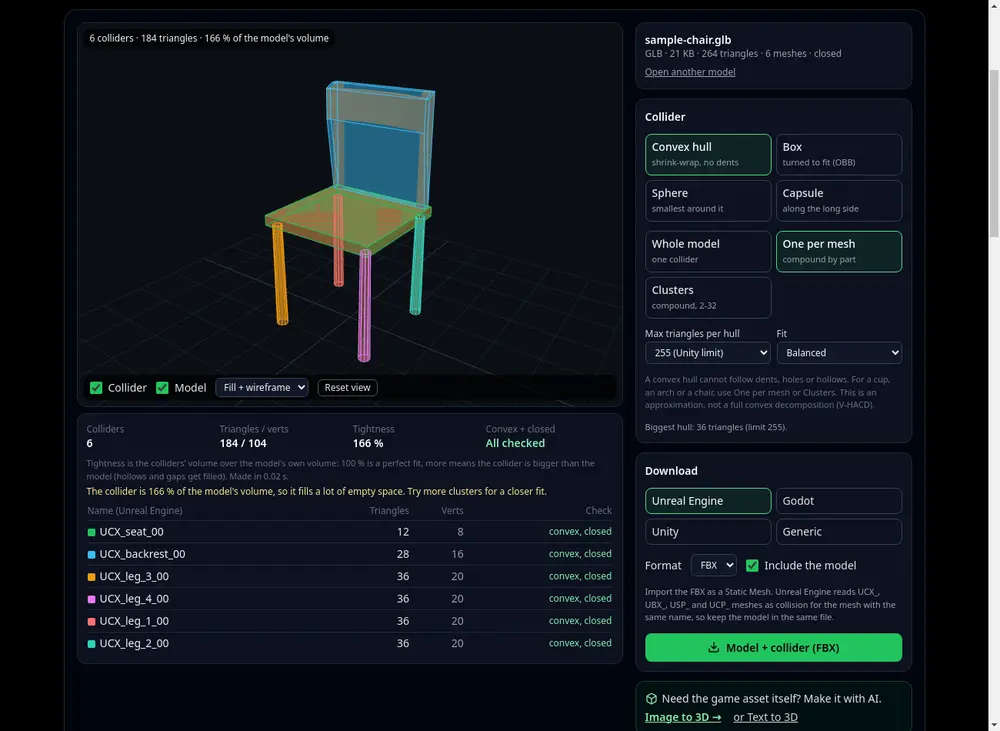 Lesson 11 of 12 · AdvancedHow to make a collision mesh for a gameGenerate convex, box, sphere or capsule colliders named for your engine.
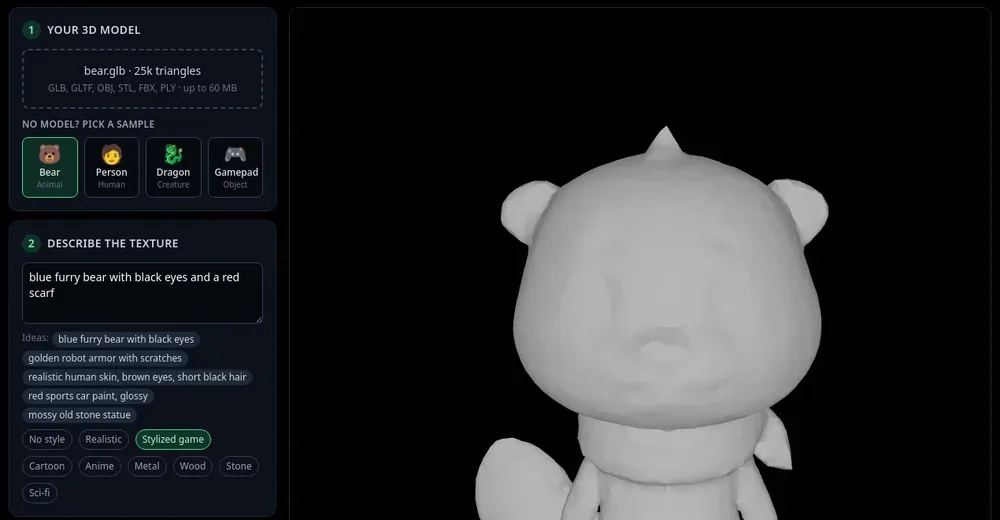 Lesson 12 of 12 · AdvancedHow to texture a 3D model with AIDescribe the look, press Auto texture and download a painted GLB.
3D with AI: a beginner's guide
A start-to-finish path for making 3D models with AI: one main guide and four short chapters on text, photos and prompts.
 Beginner's guide3D with AI: a beginner's guideThe whole path in six steps: pick an input, prepare it, generate, check, fix and export.
 Chapter 1 of 4What is text to 3D?Text to 3D turns a written description into a 3D model. Here is how it works and what it can do.
- Chapter 2 of 4Text to 3D vs image to 3D: which one should you use?A side-by-side comparison, and a short checklist to choose between a prompt and a photo.
 Chapter 3 of 4The best photos for image to 3D (and what to avoid)How to take or choose a photo the AI can turn into a clean 3D model, and the photos that fail.
- Chapter 4 of 4Text to 3D prompt guide: how to write prompts for 3D modelsA simple prompt formula, 12 example prompts you can copy, and what to leave out.
Ready to make your own model?
Turn a photo or a sentence into a 3D model. New accounts get free credits to try.