Text to 3D Model: AI Generator, Try Free

Requires 15 Credits

Describe what you want to create

Choose whether to share your 3D model with our community gallery.

More options (seed, steps)

Controls randomness. Use the same seed to recreate identical results.

50

More steps produce higher quality but take longer to generate.

Describe your model above to start

⏱️ Most models are ready in about 1-3 minutes, sometimes longer when it's busy. Please keep this page open.

📸 Tip: Use images under 10MB for faster processing and fewer timeout issues

💡 Quick Tips

Be specific in your descriptions for better results

Use descriptive adjectives like "detailed", "realistic", "stylized"

Include material and texture preferences when relevant

🎯 Model Quality

⚡
Fast Generation
About 1-3 minutes
🎨
High Quality
Detailed mesh

📤 Export Formats

GLBSTL

Every model you generate is saved in My Models.
Text to 3D Model Generator

Describe an object in plain English and get a textured 3D model in about 1-3 minutes. Download it as GLB for games and Blender, or as STL to 3D print.

✍️

Prompt to Model

Type what you want and the AI builds a 3D shape with a colour texture

⚡

Ready in Minutes

Most models take about 1-3 minutes, sometimes longer when it is busy

🎲

Seed Control

Reuse a seed to repeat a result, or pick a new one for a variation

💾

GLB and STL

Textured GLB for games and 3D tools, or STL for 3D printing

Need a printable file? Try Text to STL →Same AI and the same credits, with the STL download first and step-by-step slicer instructions for Bambu Studio, OrcaSlicer and Cura.

More text-based 3D tools

3D models made from text prompts

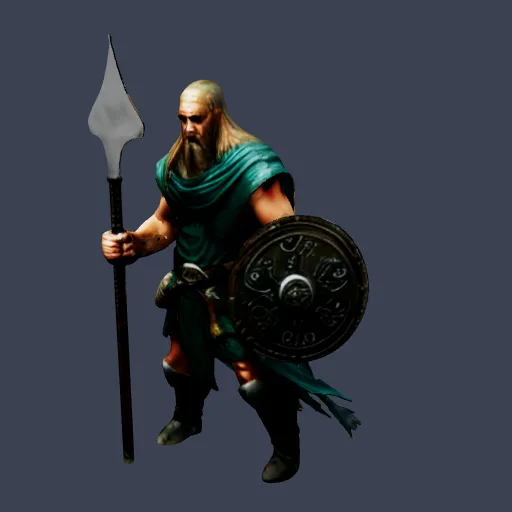
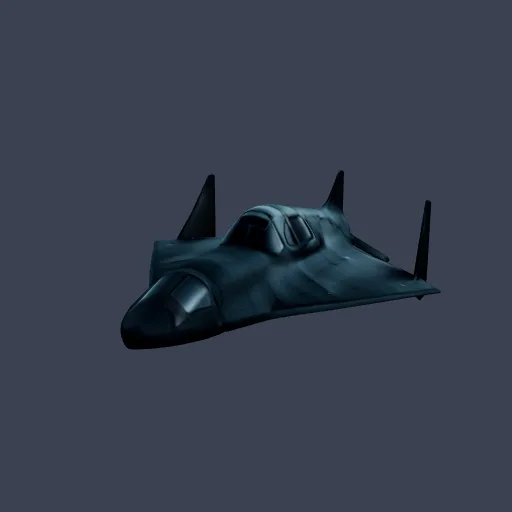
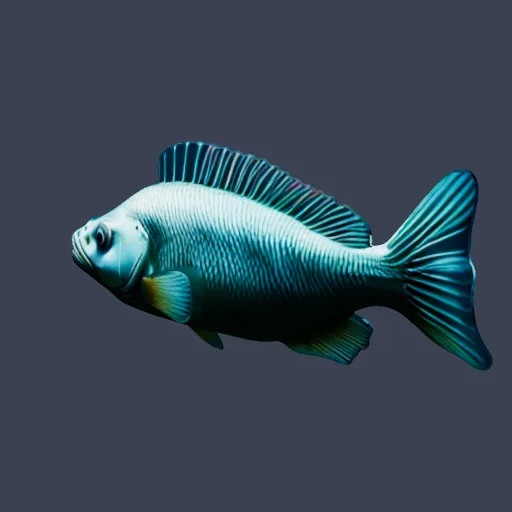
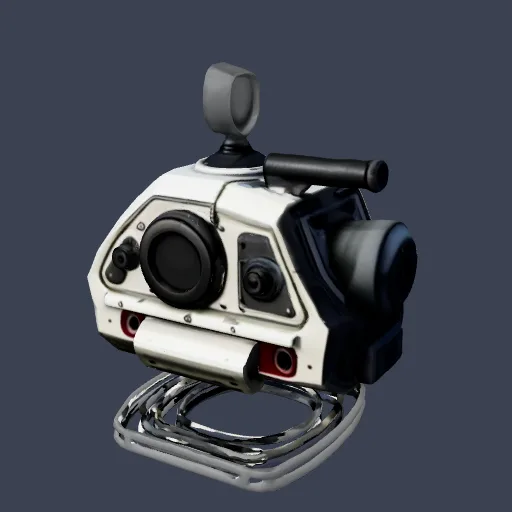
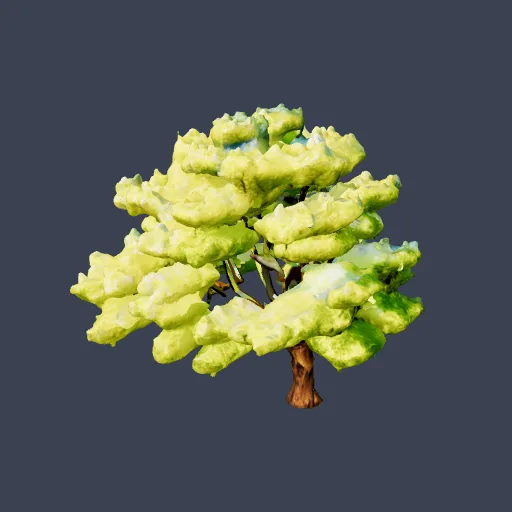
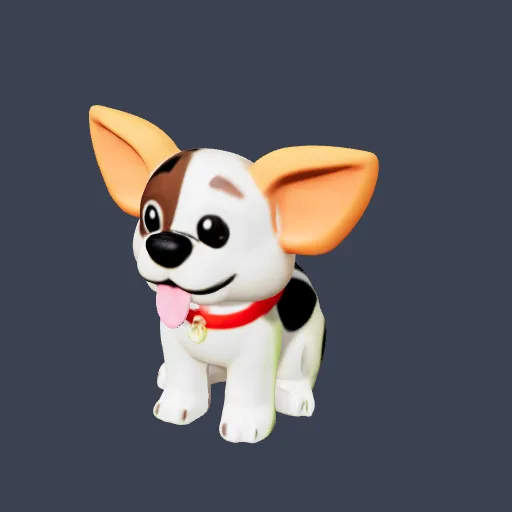
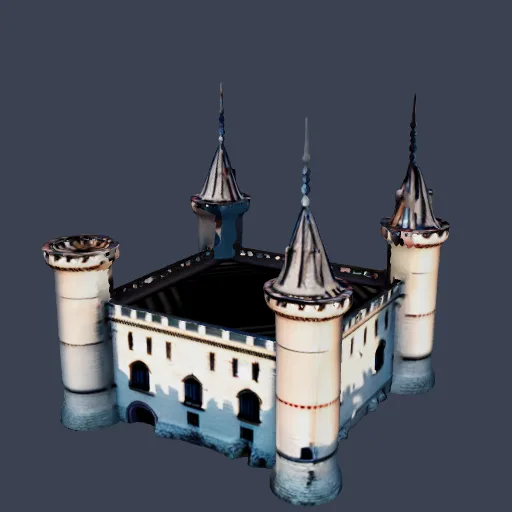
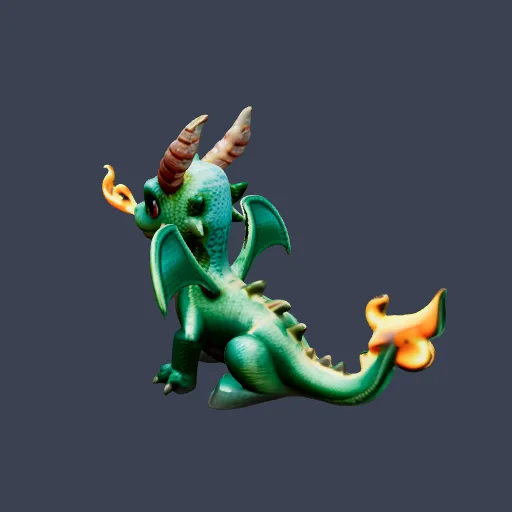
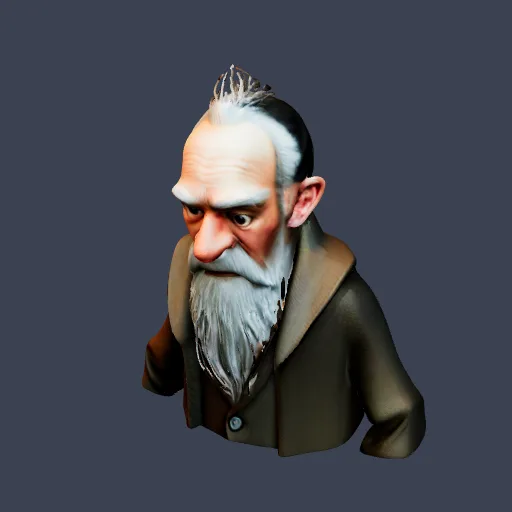
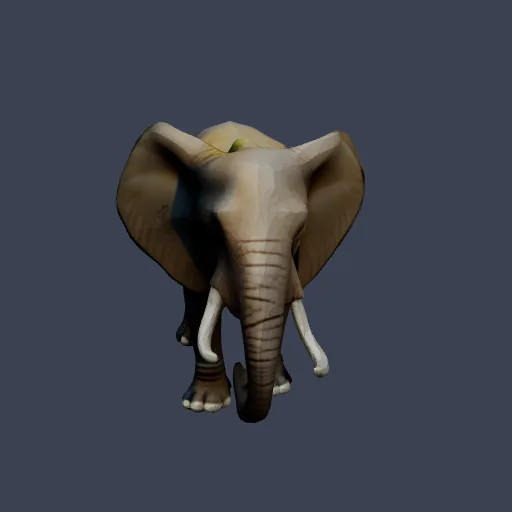
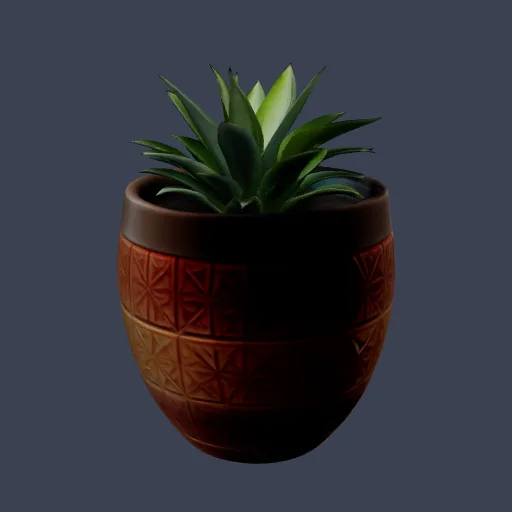
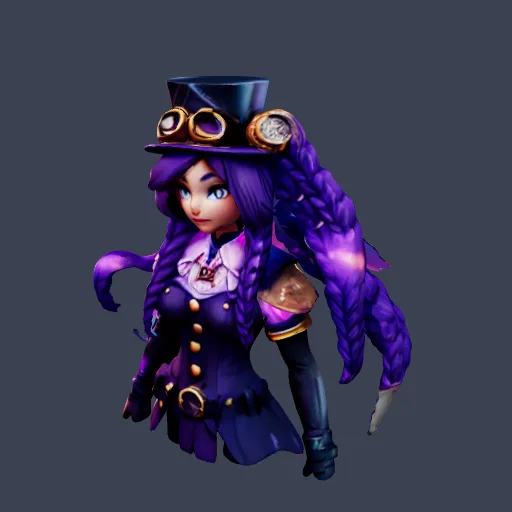
Real results from people who used this tool: each one started as a short text prompt and came out as a textured 3D model. Open any model to spin it around and see it from every side.

How to Turn Text into a 3D Model

1

Write your prompt

Name the object, then add material, style and detail. For example: 'a low-poly fox with a bushy tail, matte orange fur'. English works best.

2

Generate the 3D model

The AI builds the shape and paints a colour texture on it. This takes about 1-3 minutes, so keep the page open.

3

Check it and download

Look the model over in the preview. If it is close, download GLB or STL. If not, change a few words or the seed and run it again.

A prompt template you can reuse

Good prompts name one object and then describe it in the same order each time. Copy this pattern and swap in your own words:

[object], [style], [material and colour], [two or three key details], [shape or pose]

For example: a wooden treasure chest, low-poly, weathered oak with iron straps, round lock and slightly open lid, simple flat base.

  • Object: Say what it is in a few words, such as a treasure chest, a fox or a desk lamp.
  • Style: Low-poly, realistic, cartoon, stylised or hand-painted.
  • Material and colour: Weathered oak, brushed metal, matte red plastic, soft grey fur.
  • Level of detail: Ask for simple shapes or fine details. Either way the mesh is capped at about 10,000 faces.
  • Scale: A model has no real-world size. Set the size in your slicer or 3D software.

Style control: low-poly, realistic or cartoon

Style words in the prompt steer the look of the model and its texture. Write them first or last, and keep them the same when you change other details. Compare two runs with the same seed to see what a single word changes.

Want one set of looks to reuse across many models? The Copy Style 3D tool has style presets, and the low poly 3D generator makes faceted models. Already have a model to change? Try Edit 3D Model.

From text to a game, a web page or a printer

Download the GLB for game engines, Blender and web viewers, or the STL for printing. Need another format? Convert the file with GLB to OBJ or GLB to FBX, shrink it with the 3D model compressor, or start from a picture with image to 3D. See what other people made in the community gallery.

Use Cases & Applications

What people make from a text prompt

🎮

Game props and assets

Make crates, trees, weapons, furniture and other single props for a prototype or a jam game, then import the GLB into your engine

🖨️

3D printing

Describe a part, a toy or a decoration and download an STL, with no CAD work. Set the size in your slicer

🛍️

Product ideas and mock-ups

Try shapes and finishes for a product idea before anyone builds a prototype

🎥

Characters to rig

Get a base character mesh, then rig and animate it yourself in Blender or Mixamo

🌐

Web and AR scenes

GLB is a standard format for browser 3D viewers, so a generated model can drop straight into a web page

📚

Teaching and visuals

Turn an object, animal or historic item from a lesson into a 3D model students can turn around

Technical Specifications for Text to 3D Generation

Input Requirements

  • Input Type: Text description (English)
  • Description Length: 10-200 characters recommended
  • Style Keywords: Include terms like 'low-poly', 'realistic', 'cartoon'
  • Detail Level: More detailed descriptions yield more accurate results
  • Special Features: Can specify textures, colors, and materials

Output Specifications

  • 3D Formats: GLB, STL
  • Polygon Count: Up to 10,000 faces, optimised for web and 3D printing
  • Textures: Generated color texture, included in the GLB
  • UV Mapping: Auto-generated UVs
  • Rigging: Not included: models are static meshes you can rig in Blender or Mixamo
  • Animation: Not included: add animations in your own 3D software

Frequently Asked Questions

You describe an object in words. The AI turns that description into a 3D shape and paints a colour texture on it. You can preview the result, then download a textured GLB, or an STL if you want to 3D print it.
Each text to 3D model uses 15 credits. New accounts get 20 free credits, which is enough for one model. Monthly plans add more credits each month, and the pricing page lists the current plans.
Most models are ready in about 1-3 minutes. It can take longer when many people are generating at once. Keep the page open while it runs.
GLB, which includes the colour texture and opens in Blender, Unity, Unreal Engine, Godot and web 3D viewers, and STL for 3D printing. There is no direct FBX or OBJ download. If you need one, convert the GLB with the GLB to OBJ or GLB to FBX tools on this site.
Describe one object, then add the style, the material and colour, and two or three key details, for example 'a wooden treasure chest, weathered oak, iron straps, round lock, lid slightly open'. Keep it to a sentence or two, and write in English. One object per prompt works best, because a prompt with several objects often gives a muddled shape.
Yes, by putting the style in the prompt: low-poly, realistic, cartoon, hand-painted and similar words all change the look. The AI builds the whole model again on every run, so a new style word can also change the shape a little. To keep the shape close, keep the same seed and change only the style words. For a fixed set of looks such as clay, voxel or toon, use the Copy Style 3D tool.
Yes. Change the seed, or press the random button, to get a different version of the same prompt. Use the same seed with the same prompt to recreate a result. Each run uses credits, and models are generated one at a time.
No. You generate in the browser, one model per run. There are no team workspaces, shared libraries or version history either. Models are made one at a time and downloaded as files.
No. There are no locks for symmetry, proportions or polycount. A model has up to about 10,000 faces. If you reuse the seed and change only a few words in the prompt, the overall shape often stays similar, but it is not guaranteed. To change a model you already have, try the Edit 3D Model tool.
No. You get one mesh of up to about 10,000 faces with automatic UVs and a colour texture, and no LOD set. The model is a static mesh with no skeleton, so rig and animate it in Blender or Mixamo. The 3D model compressor can shrink the file size of a GLB.
Yes. Download the STL and open it in a slicer such as Bambu Studio, OrcaSlicer or Cura. The model has no real-world size, so set the size in the slicer, and check thin parts before you print.
Yes. Under our Terms of Service you keep the rights to the models you generate, on free and paid plans, as long as you have the rights to what you describe.

Why Choose Our AI Text to 3D Generator?

See how our AI text to 3D technology compares to traditional 3D creation methods

FeaturesOur AI Text to 3DManual 3D Modeling3D Asset Stores
Creation TimeAbout 1-3 minutesHours to WeeksMinutes to Hours (searching)
Required SkillsNoneExpert 3D ArtistBasic 3D Knowledge
CustomizationAnything you can describeComplete ControlLimited to Available Assets
CostLow (subscription)High (artist time)Per Asset Fees
OriginalityFully OriginalFully OriginalPre-made Assets

Application Integrations

Seamlessly integrate with your favorite platforms and tools

Game Engines

Import the GLB into Unity, Unreal Engine or Godot

Blender

Open the GLB to edit, rig, retopologise or render it

Web Viewers

GLB loads in browser 3D viewers and on web pages

3D Printing

Download an STL and open it in Bambu Studio, OrcaSlicer or Cura

Ready to Create Amazing 3D Models?

Join thousands of creators who are already using our AI-powered tools to bring their ideas to life.

View Example Gallery
No 3D modeling experience required
Generate models in minutes
Export in multiple formats
Commercial usage rights included